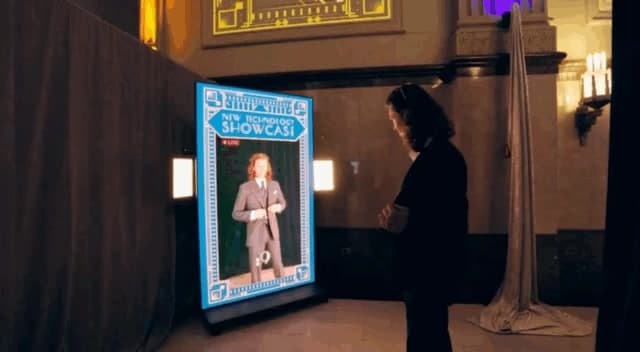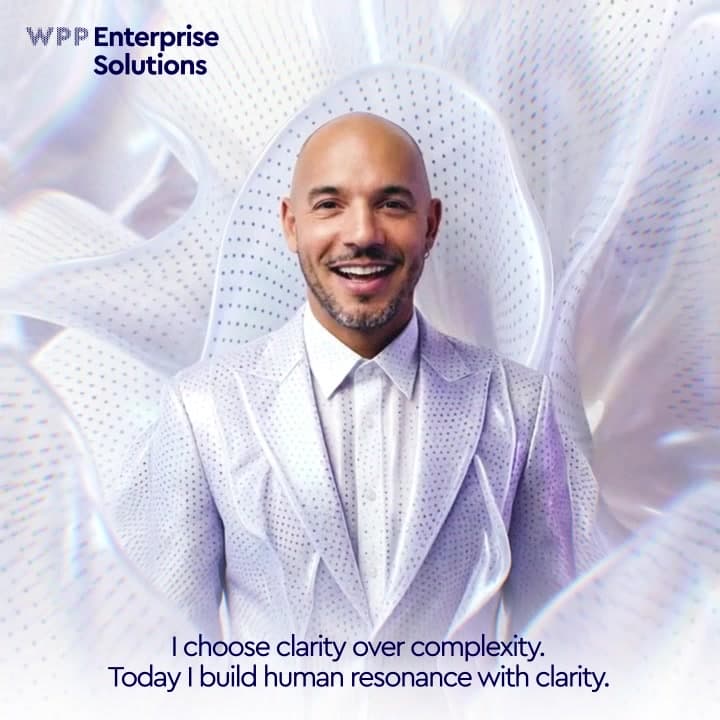
“I choose clarity over complexity. Today I build human resonance with clarity.” In one Mantra Machine output, those words sit beneath a person’s animated, stylized double. The interesting design work starts before that image: deciding what the person can choose, what each choice changes, and how they get back to their film after leaving the kiosk.
For WPP Enterprise Solutions at Adobe Summit, I directed the creative and UX of the Mantra Machine at Groove Jones and built the participant-facing interfaces. Naeem Al Noman handled the backend implementation. We connected a short questionnaire and photo capture to a personalized video, with email delivery and a separate result page. I wanted the relationship between the guest’s decisions and the finished piece to be understandable all the way through.
Give every question a job
I organized the questionnaire around four decisions: a MarTech barrier, an outcome the person wanted AI to unlock, a personal tone, and a visual style. Two questions grounded the experience in their work; two let them direct its expression. A questionnaire is already a fairly bold opening act for a film. Each question needed to earn the interruption.
The client asked whether more questions would make the output more individual. I recommended four: enough to separate the business problem from the person’s expressive choices. Three would have required more inference, particularly around the visual treatment. I kept a fourth question so people could choose the look themselves: Bold & electric, Minimal & modern, or Futuristic & sleek. The additional tap bought us a clear creative instruction instead of asking the system to guess someone’s taste from a business problem.
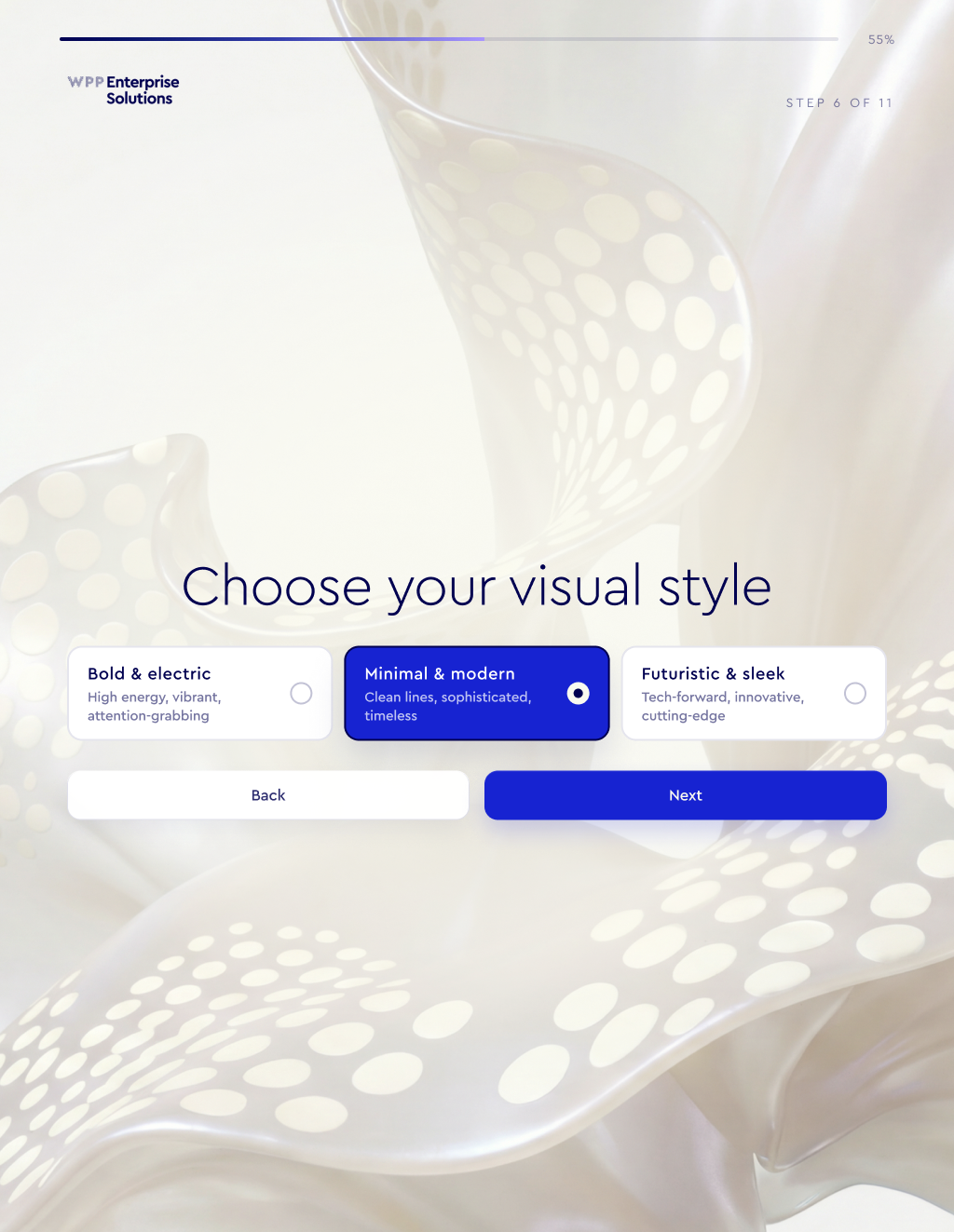
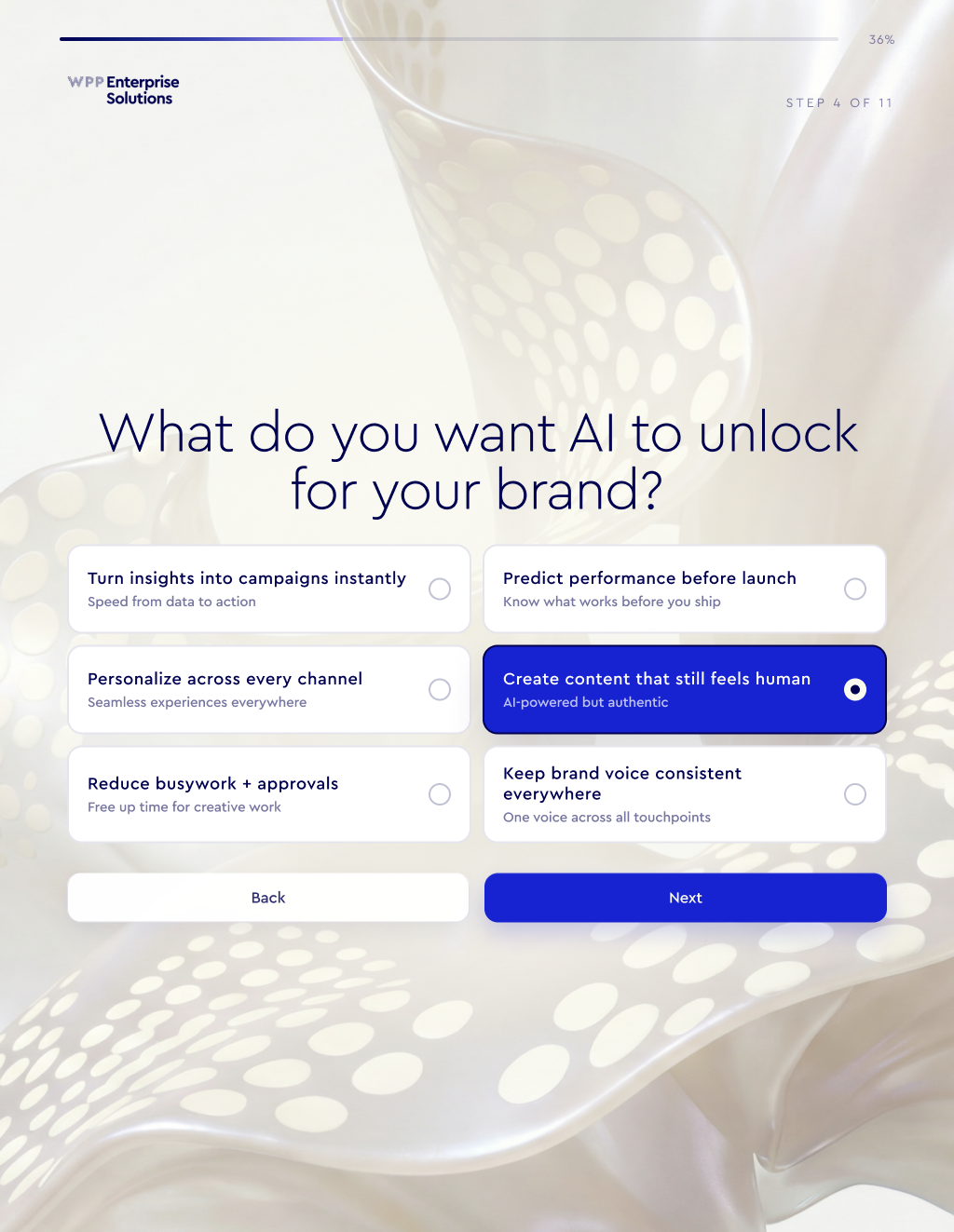
The wording followed a deliberately controlled structure. The barrier supplied the thing to move beyond. The desired outcome supplied what to build. Bold, Clear, or Strategic supplied the persona language. In the app’s mapping, “Too many tools, not enough adoption” becomes “complexity”; “Create content that still feels human” becomes “human resonance”; Clear supplies “clarity.” That combination produces the two lines in the example above. Other answers follow the same structure.
That constraint mattered to me. We could review the possible language and keep a recognizable relationship between an answer and the resulting statement. The tradeoff was a smaller expressive range than an open conversation. For a brief event interaction, a few intentional choices gave us something we could direct, test, and explain.
Carry the answer into the image
I also made six controlled pose selections tied to the AI-outcome question. “Turn insights into campaigns” mapped to momentum; predicting performance mapped to smarter decisions; reducing busywork mapped to creative flow. The aspiration could influence the visual performance as well as the words. I wanted the answer to have a job beyond filling a sentence.
The visual-style question routed the request into one of three Krea workflows. I chose Krea over the Comfy approach we had been considering because I wanted this kind of workflow to be easier for other creatives to build and adjust. That was a production decision about access to the process: the person directing the look should be able to work with its structure.
A shared node graph gave us something specific to review. On April 20, Naeem checked whether the generated end frame should feed into Seedance. I confirmed it should. We also checked the start-frame and video prompts across the three workflows: the difference I called out was the style and its background image. That is the kind of handoff I want visible while we’re building: what goes into a node, what comes out, and which creative choice changes it.
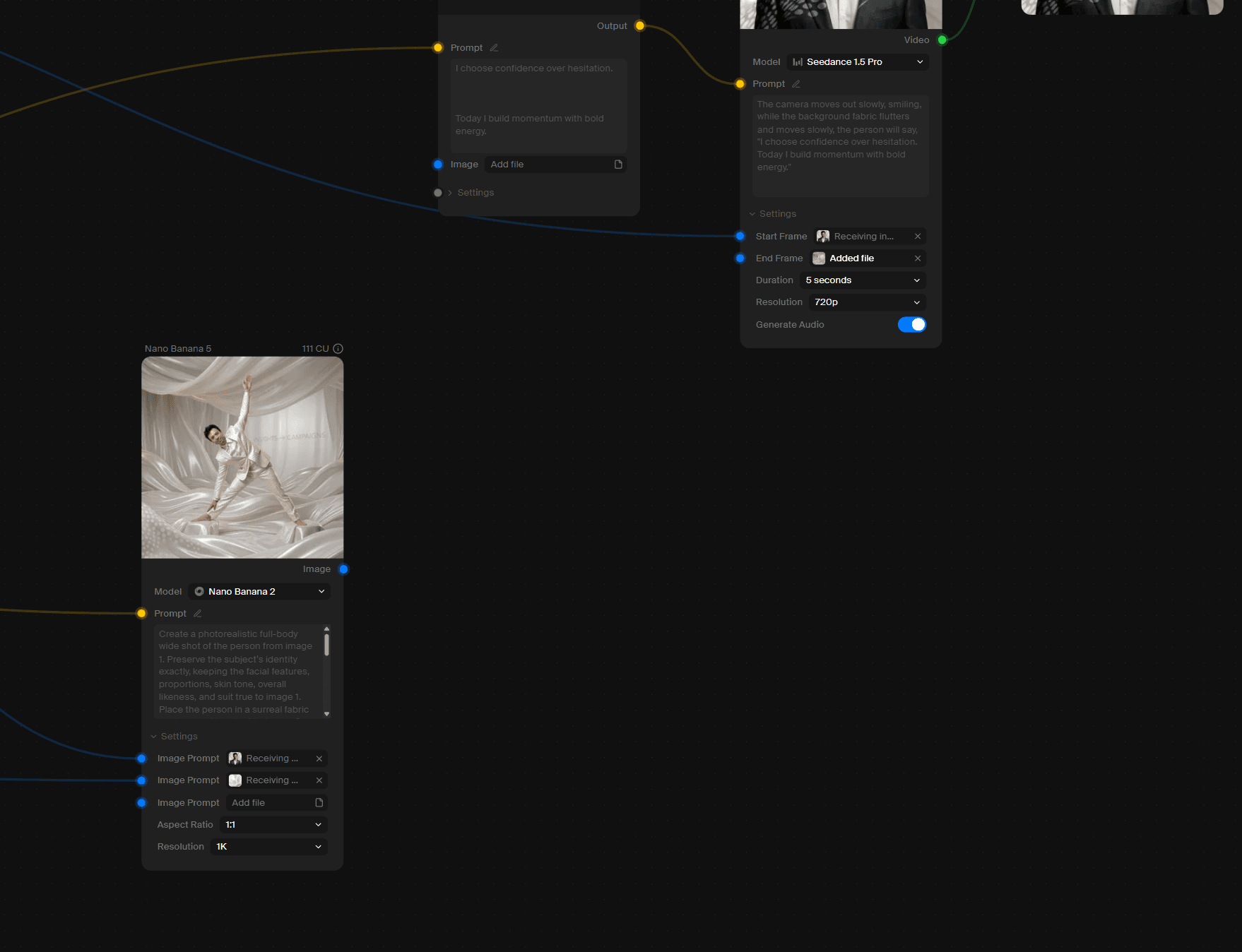
The live application’s video path used Seedance through Krea, followed by our post-processing. The promotional sizzle Henry Casillas made had its own directed film workflow. Those were separate productions. A tool used to make the attraction film does not automatically describe the system generating a guest’s takeaway.
Make the photo a clear commitment
The photo came after the questions. By then, the system had the choices needed for the request, and the participant had a reason to step into the frame. A countdown led to a preview with Retake and Use This Photo. That small review moment gave the person control over the image they were about to submit.
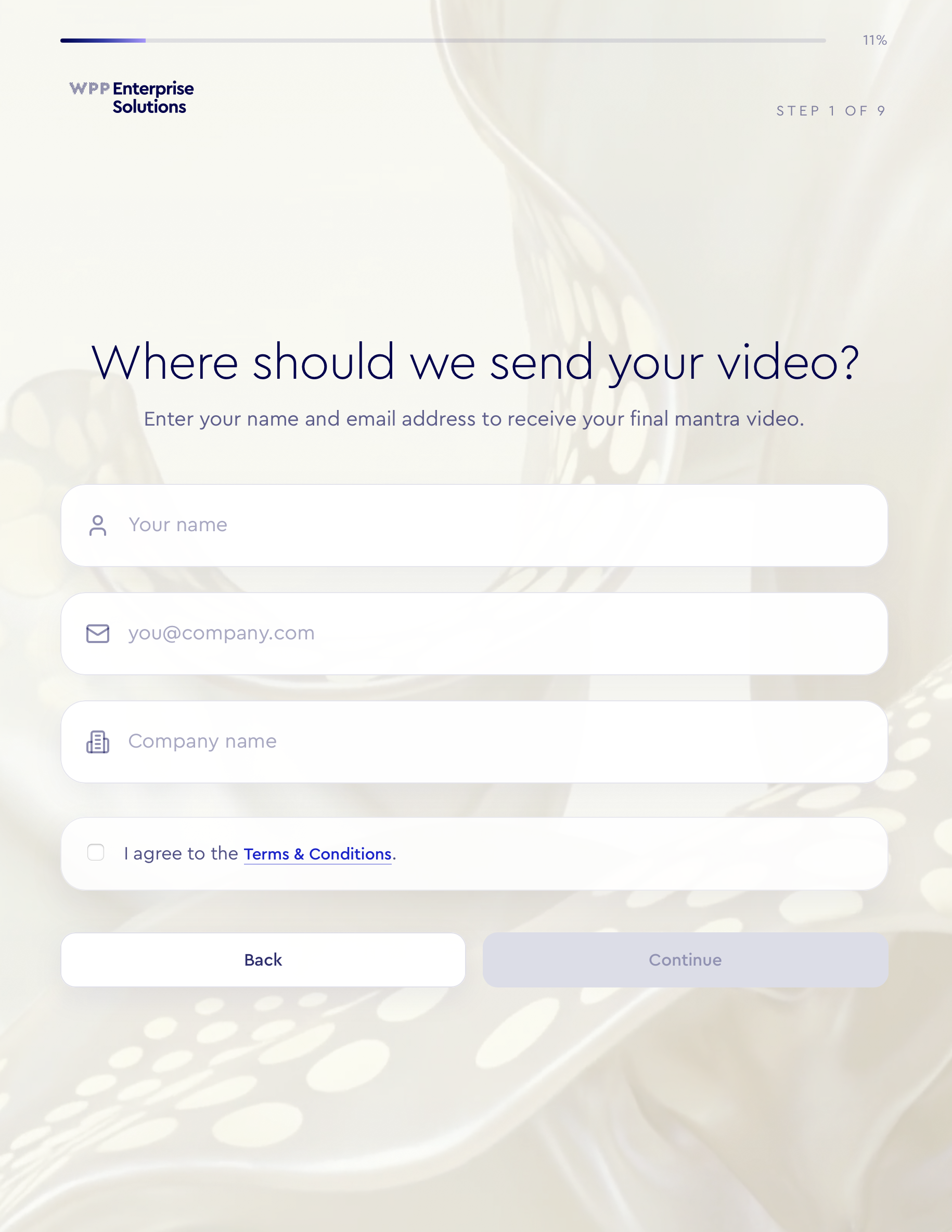
I also combined access to the terms with information collection, keeping the required agreement in the flow while removing a separate stop. Later testing exposed a more ordinary problem: someone could put an email address in the name field. I added explicit feedback for that mistake and an invalid email address. Those details affect whether the personalized film reaches the right person as much as the image treatment does.
Let the experience continue after the kiosk
Generation took long enough that waiting needed its own design. I proposed sending the result link as soon as the guest completed the kiosk, with a status page they could open while their video was still being made. Otherwise, an empty inbox could leave them wondering whether anything had happened.
We separated the kiosk interface, the result interface, and the generation service. The kiosk collected the choices and confirmed photo. The service handled the job and finished assets. The result page followed the job’s state and became the place to watch and download. This gave the participant a destination that could remain useful after the physical interaction ended.
Ashton Kennedy pushed for a second email when the video completed. I supported that addition, and Naeem implemented it. The first message acknowledged the request; the later message brought the person back when there was something to watch. A percentage sign does not make a render finish sooner. The useful feedback is what has happened and what the person can do next.
Recovery belonged on that same path. After a failed generation during development, I asked for a way to reuse the submitted information and try again from the result page. I added the retry control to that interface and worked with Naeem on the handoff. Re-entering the whole experience would have made a service problem into extra work for the guest.
Review the journey past the finished frame
The live event exposed timeouts, a download-control problem, and email-delivery questions. We investigated and worked on recovery during the show. I would not describe that as a guarantee that every request completed or every mailbox received its message. The download button has an impressive ability to become the main character.
What I carry forward is a longer definition of the output. It includes the participant’s understanding of what they chose, the photo they approved, the information they receive while waiting, and their ability to retrieve the result. A generated video can look finished while the experience still has work to do.
For the next personalized experience, I would make a simple review sheet before polishing the visuals. For each question, write down exactly what changes in the words, image, or performance. Follow one submission through waiting, completion, failure, and retrieval. Then review the result beside its inputs. If the connection is hard to explain, that is the next creative decision to work on.