For the Tacoma adaptation on XREAL AURA, my central UX question was how to help someone begin exploring a vehicle through understandable actions. I wanted placement, customization and changes of scale to feel like connected parts of the same experience. A floating truck is a decent opening line. The interface still has to hold up its end of the conversation.
I think of UX as a story people participate in. The creative work is deciding what someone needs to understand at each moment, what control they get, and how the response sets up their next choice.
For this adaptation of Groove Jones’ Tacoma configurator, I shaped the placement guidance, palm-menu refinements and material direction around that question. The recordings and studies below show how those decisions developed through the prototype.
Start with the person’s next decision
I treated placement as five beats: orient yourself, preview, position, confirm, explore. Before customization, I wanted the wearer to have something visible to adjust and a clear way to commit. That sequence gave the technical work a human purpose.
I asked for the first instruction to explain both movement and placement. In the full-size flow, looking toward a valid floor area reveals a preview. The wearer can see what they are about to place before learning the customization menu.
The wearer still chooses a clear area; floor detection does not establish obstacle clearance.
Adjustment needed to feel reversible. The preview stays put while the wearer looks around. Pinch and hold moves it, release pauses, and a two-hand twist rotates it before confirmation.
Separate adjustment from commitment
I asked for a clear placement cue because moving the truck and agreeing to its position are different intentions. The explicit Place action gives that agreement its own beat.
The wearer releases the adjustment gesture, looks at Place, and makes a fresh pinch to confirm. Looking identifies the target; the new pinch commits the choice. That separation matters when the same hands are also moving the truck and opening controls. A held gesture should not quietly become a second command. Apparently, even a pinch needs boundaries.
Once confirmation is complete, I want attention back on the vehicle. Placement rings and instructions belong to the temporary adjustment state; Place / Move provides a route back.
I sketch those boundaries before polishing controls: what begins an action, what pauses it, and what happens when tracking disappears.
Give the hands different jobs
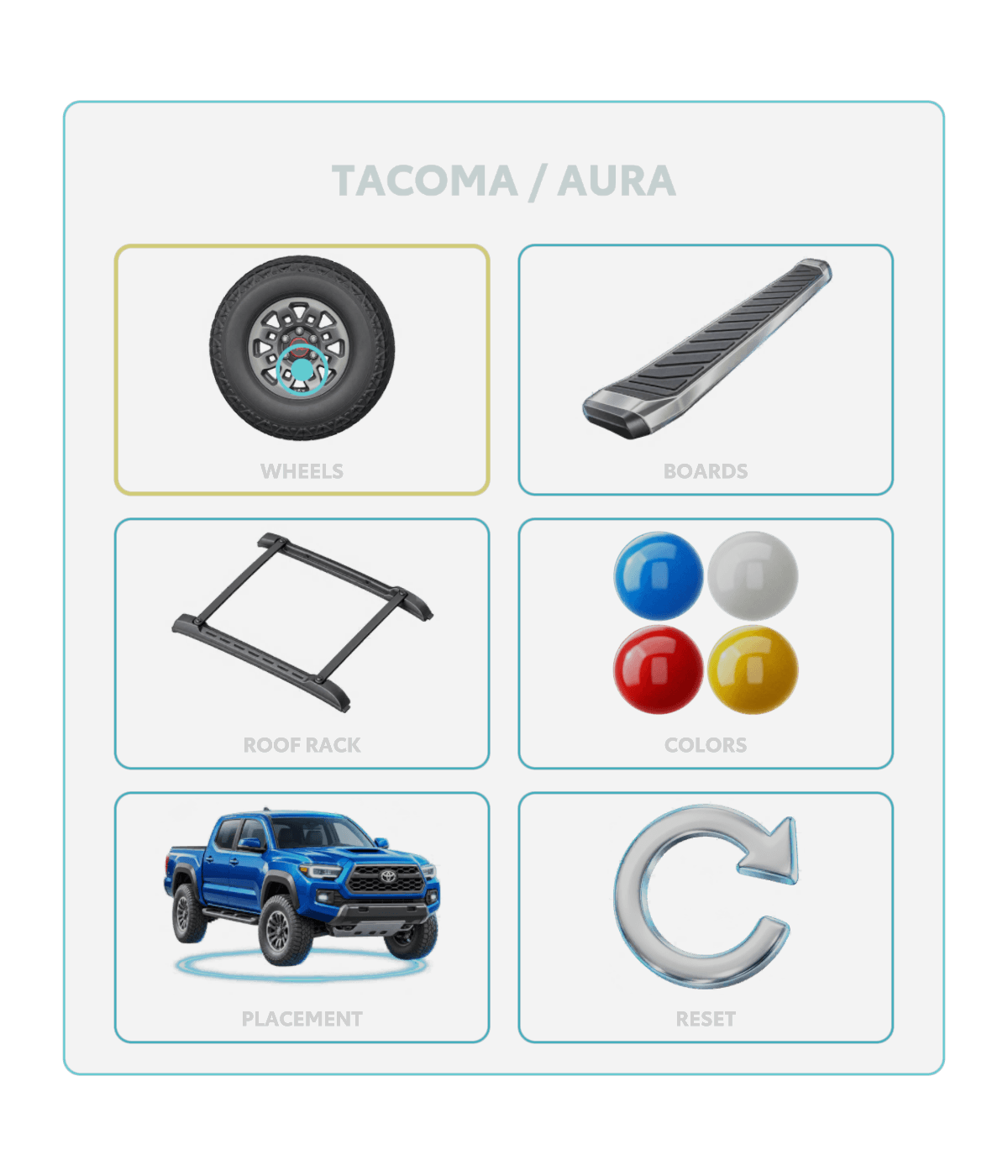
I wanted the controls available when someone asked for them, with the vehicle remaining the focus between choices. The left palm reveals the menu; the right hand selects with an index-finger poke or a fresh pinch. Lowering the palm puts the controls away.
That gives the hands a consistent relationship: one reveals choices, the other selects. Wheels, boards, roof rack and paint all use it, with Back returning to the main menu.
I asked for the menu closer to the palm and a 20% reduction in backing opacity. My aim was to keep it connected to the hand without giving the card more visual weight than the truck. I also wanted tracking loss to stop the interaction cleanly. The implementation moved the alignment toward the finger roots and hides the menu when the hand disappears.
I use Unity studies to judge layout, then the headset to judge behavior around an actual hand. A readable still cannot settle that second question.
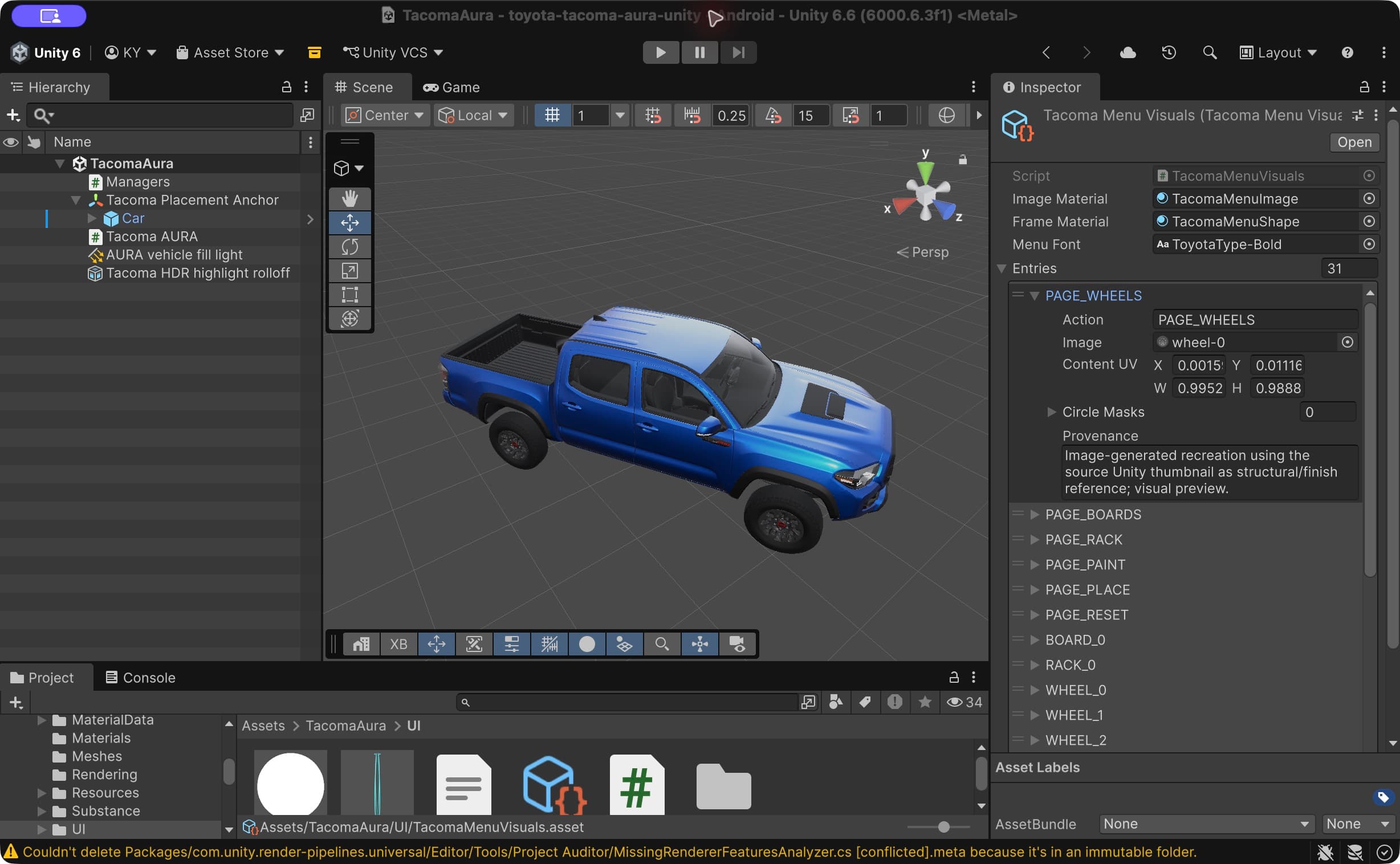
Keep the comparison on the truck
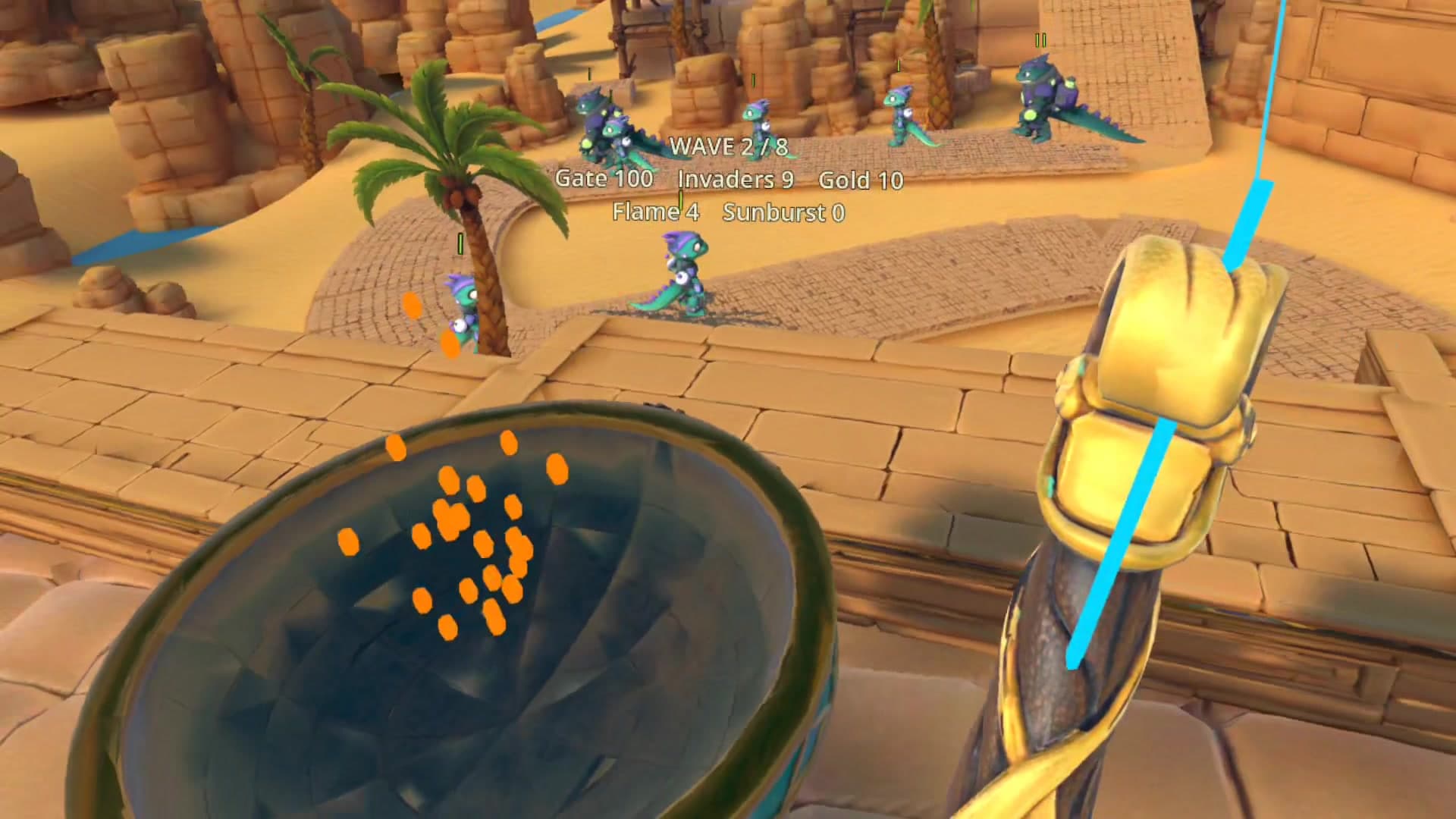
My priority for customization was to keep the result visible on the vehicle. The build offers six wheel choices, four running-board styles plus None, and an optional roof rack. Paint includes the source blue plus white, red and yellow prototype previews. Each choice needs to change something the person can inspect before making another decision.
The earlier wheel and rack clips isolate changes to a detail and to the truck’s outline. Each visible result becomes a reference for the next choice.
Judge the finish at vehicle scale
My visual direction for the paint was a finish that read well across a whole vehicle and held up in a close view. The workflow used an existing metallic-paint SBSAR in Adobe Substance 3D for Unity, tuning a neutral finish and baking normal and metallic/smoothness maps. Color remains separate: the headset changes the body tint against those static maps.
I asked for the flakes to be 50% smaller so the surface detail would read at the right scale. The implementation increased the baked repeats while keeping the vehicle’s original UVs and ambient occlusion. The clear-coat refinement addressed another visual problem: paint grain was breaking up the broad highlight. The revised shader keeps mapped detail beneath a smooth coat. Metallic paint is allowed a little sparkle. It doesn’t need a solo.
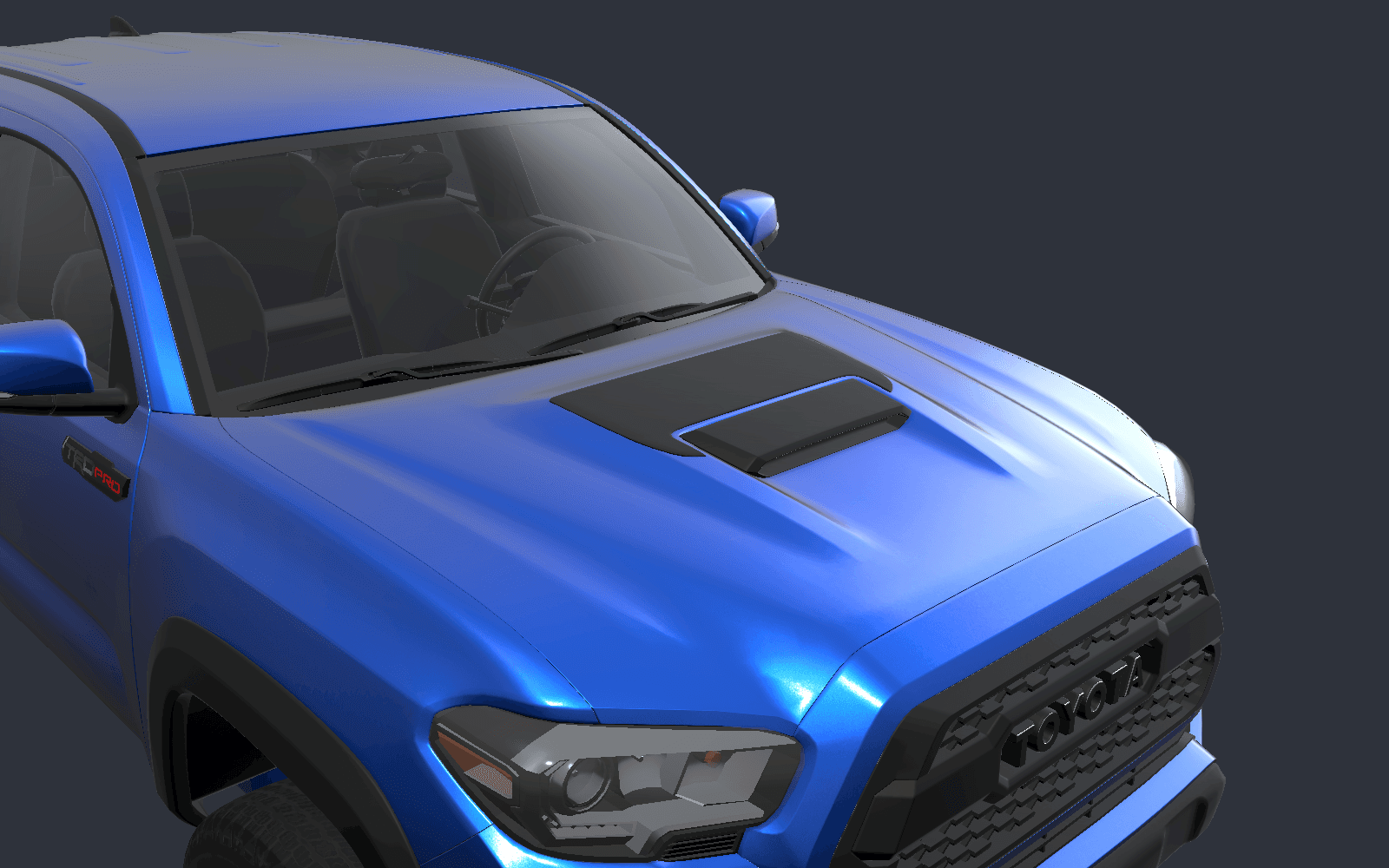
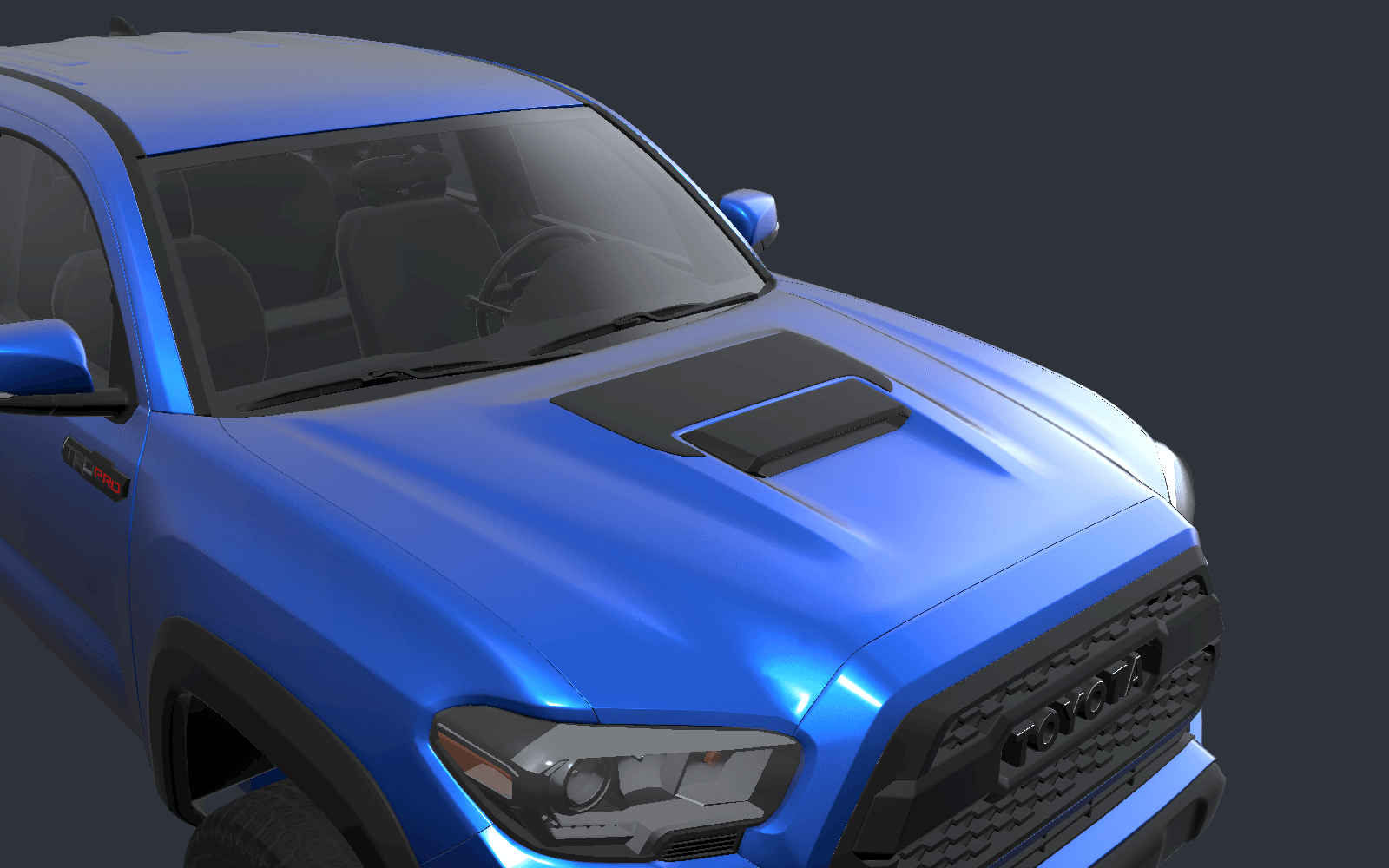
I move between the surface and the whole truck when judging finish. I judge tint, surface detail and coat response separately; glass, wheels and trim keep their own finishes. Exterior plastic gets its own satin Substance bake.
Keep tabletop exploration continuous
Scale changes how I want someone to examine the object. A full-size truck invites movement around it; a tabletop model brings the whole vehicle into a smaller area of attention. Both presentations need a coherent route into exploration.
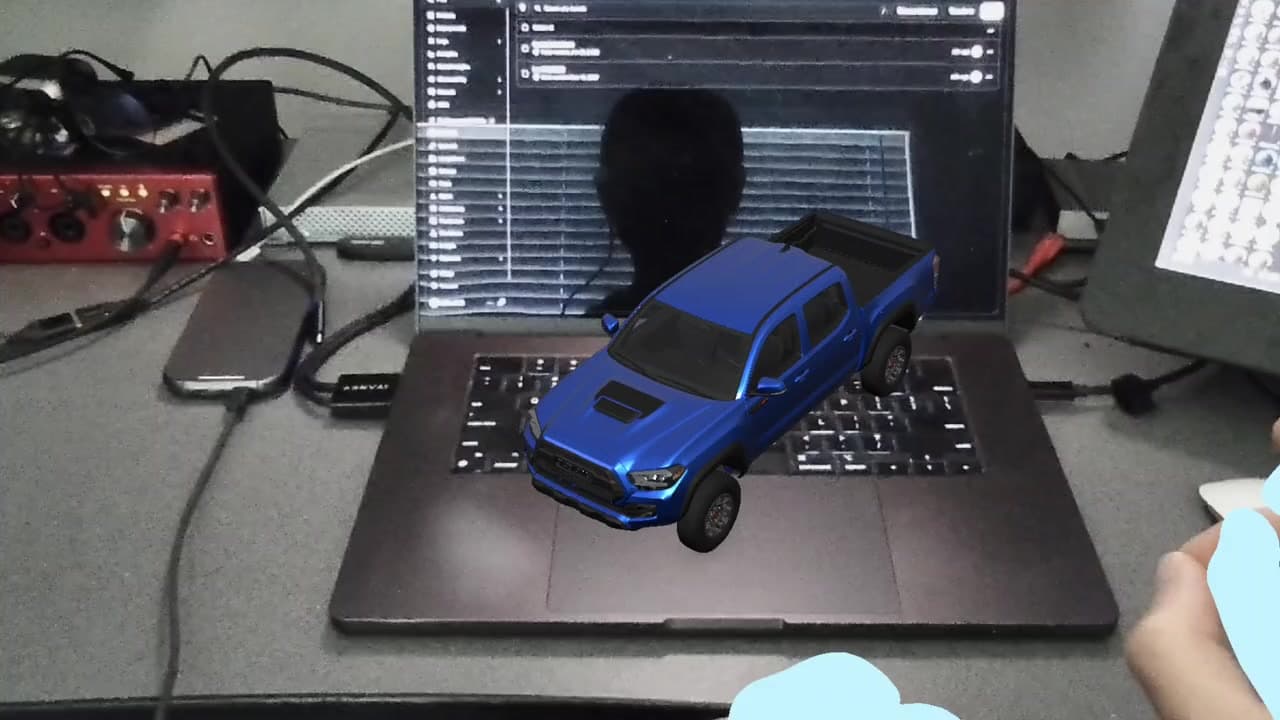
Tabletop begins with a horizontal surface and a miniature preview. Rotation and resizing share a stable contact point, so the presentation can change around a consistent reference.
For tabletop mode, my design priority was continuity. Returning to Place / Move for every adjustment interrupted exploration. The revised interaction keeps rotation and resizing available after placement: a fresh two-hand pinch begins another edit, release pauses it, and another fresh pinch starts again.
The October 23 recording shows successive tabletop adjustments: the useful outcome is a continuous way to examine the model.
Give AI a precise behavior to work through
I give AI an observable design problem to work through. In the placement iteration, I needed the preview to appear reliably while the instruction could still fade as the wearer moved. Those were two distinct intentions that the implementation had to respect.
The existing logic tied preview acquisition to the instruction’s stillness timing. The revision separated those conditions: a short valid floor observation acquires the preview, while the instruction manages its own visibility. The technical mechanism serves the behavior I was asking for.
I described the behavior, then used AI to inspect the relevant code, revise it and check interrupted input, native-menu returns and fresh placement attempts. Feedback on version 0.1.50 confirmed the preview, anchoring and instruction stability in that iteration.
AI helped inspect the implementation, make focused revisions and run checks. I directed the intended experience and judged whether the behavior matched it. A successful build could not make that creative or UX decision for me. The compiler and I have different job descriptions.
Try the sequence before adding another control
To reuse this approach, start with the person’s next decision. Give it a preview, adjustment, commitment and recovery, then check what an interruption leaves behind.
That is where I put the creative judgment: deciding when to guide attention, when to ask for agreement, and when to leave room for exploration.
That is the story I want the UX to carry: enough direction to begin, and enough control to keep exploring.
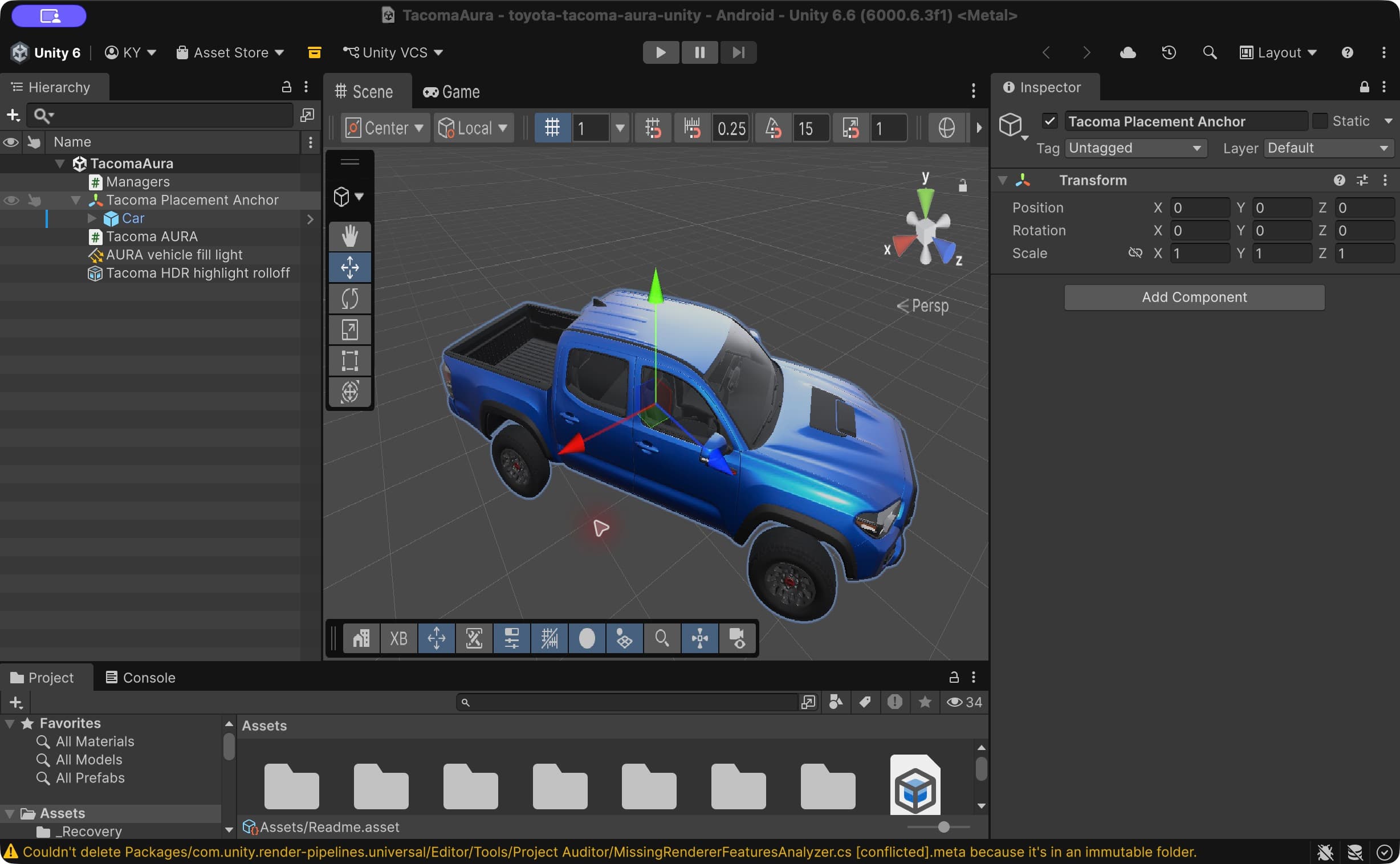
*Media note: the tabletop clips are native AURA recordings from version 0.1.57. Life-size placement and customization clips come from the October 6 prototype and use its earlier pinch-to-place flow. Editor screenshots show the saved project; material comparisons use controlled Unity lighting. These are demonstrations of specific recorded actions, not complete wearer acceptance.*