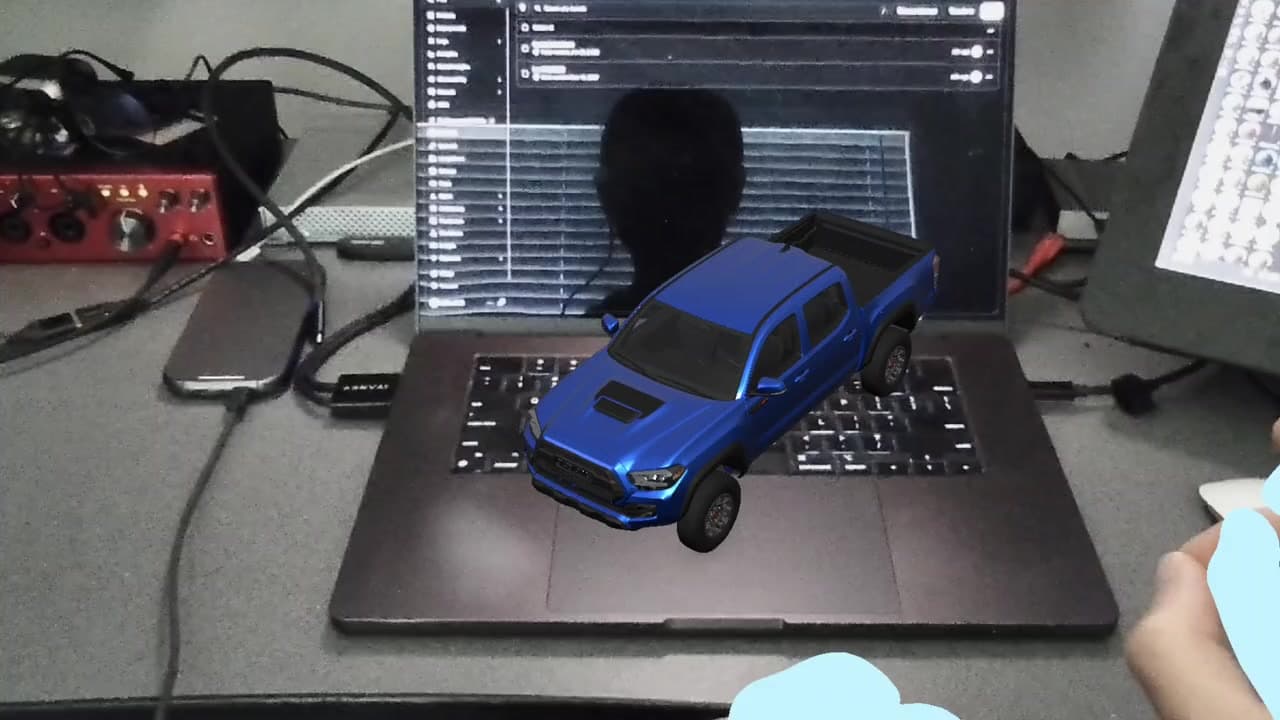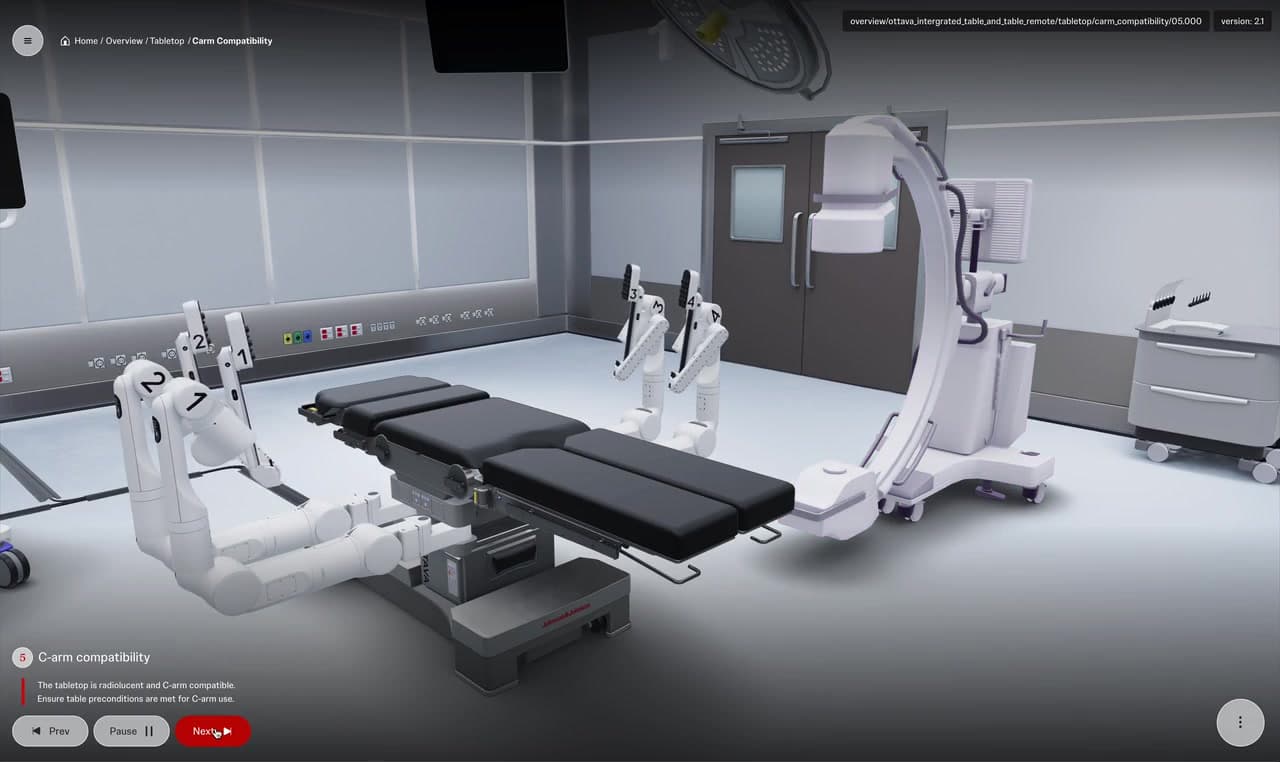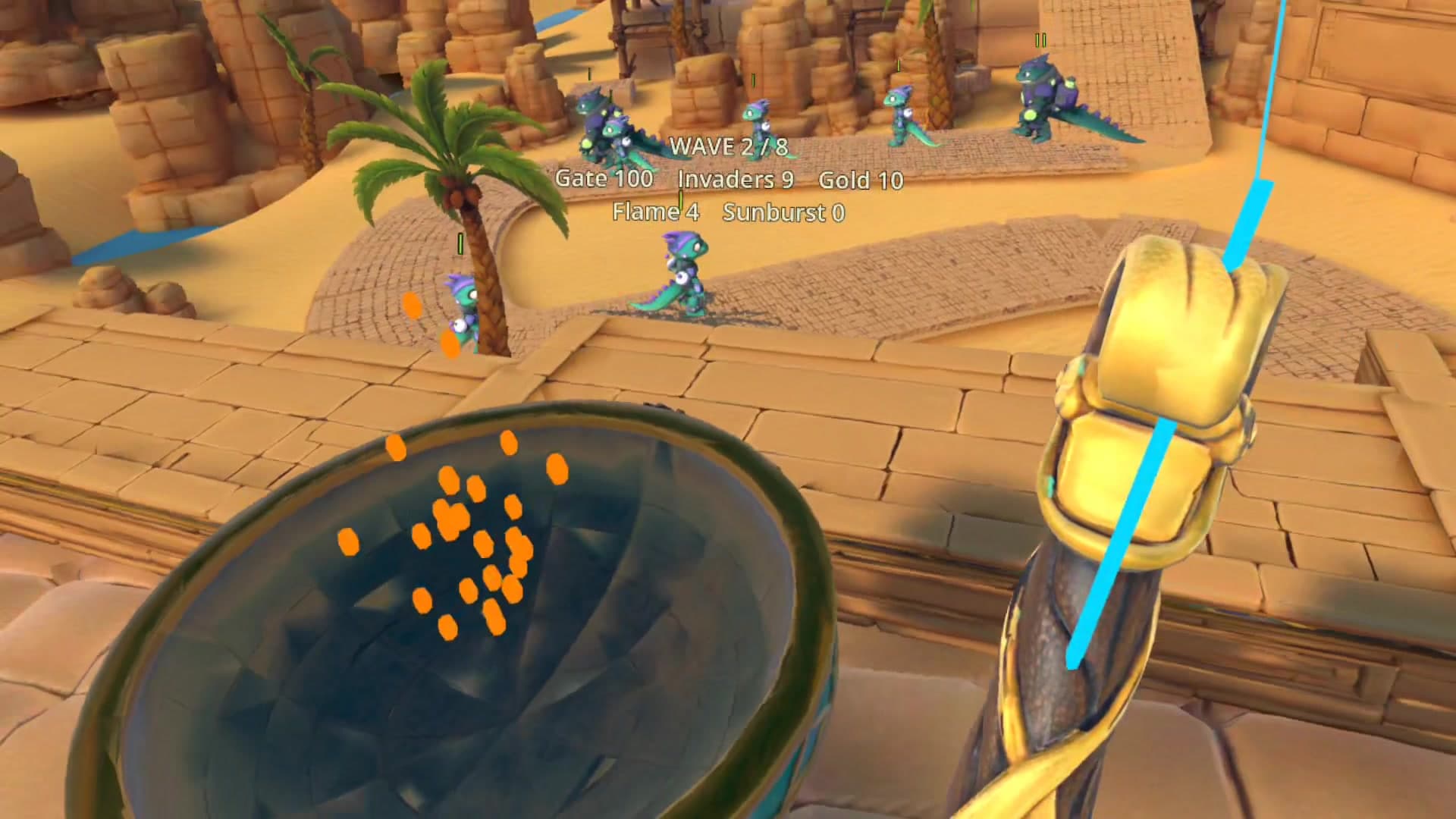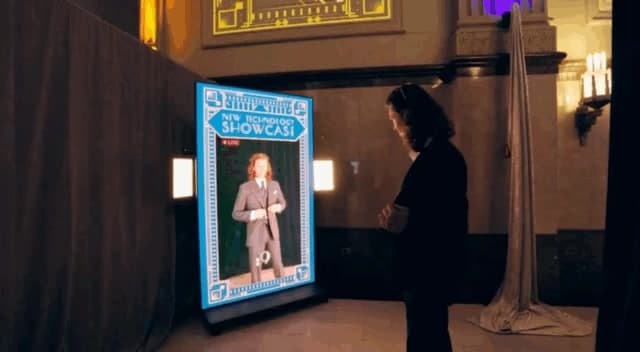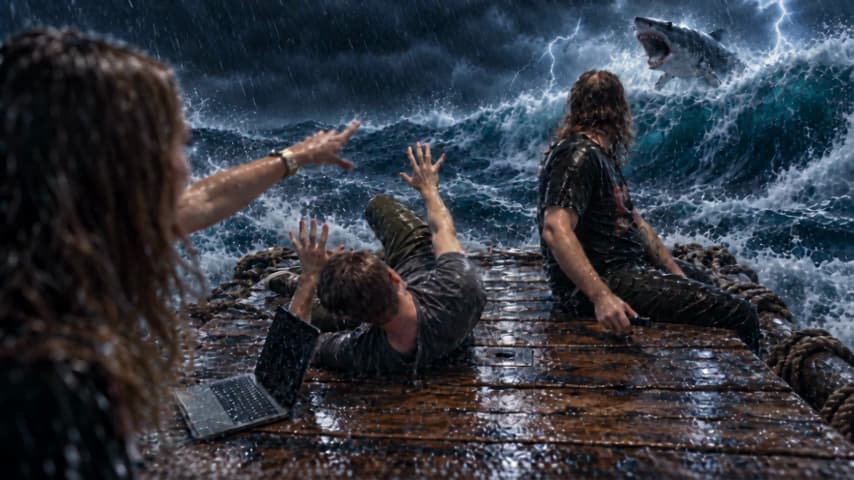
Wrong Button starts with three actors, a meeting room and a television remote that sends the furniture through some fairly unreasonable changes. I wanted to see how far we could push that small setup while keeping the performances at the center. A look, a pause or a badly timed bite has to remain funny after the room turns into something else.
I’m developing the short at Groove Jones with Andrew, Emily and Ethan. AI is part of the production workflow: it helps us explore visual treatments, build references and prepare material for review. The filmed action gives us something specific to direct around. The examples here are working material, including selected first-pass drafts, rather than finished composites.
Start with the room and the action
I began with a short script built around a location we could actually use. An existing scan reference of the meeting room helped me revisit its layout while planning angles and action. The storyboards gave the transformations a sequence, with the table, television and remote acting as recognizable anchors. The room could change dramatically while the audience still understood where people were and what they were reaching for.
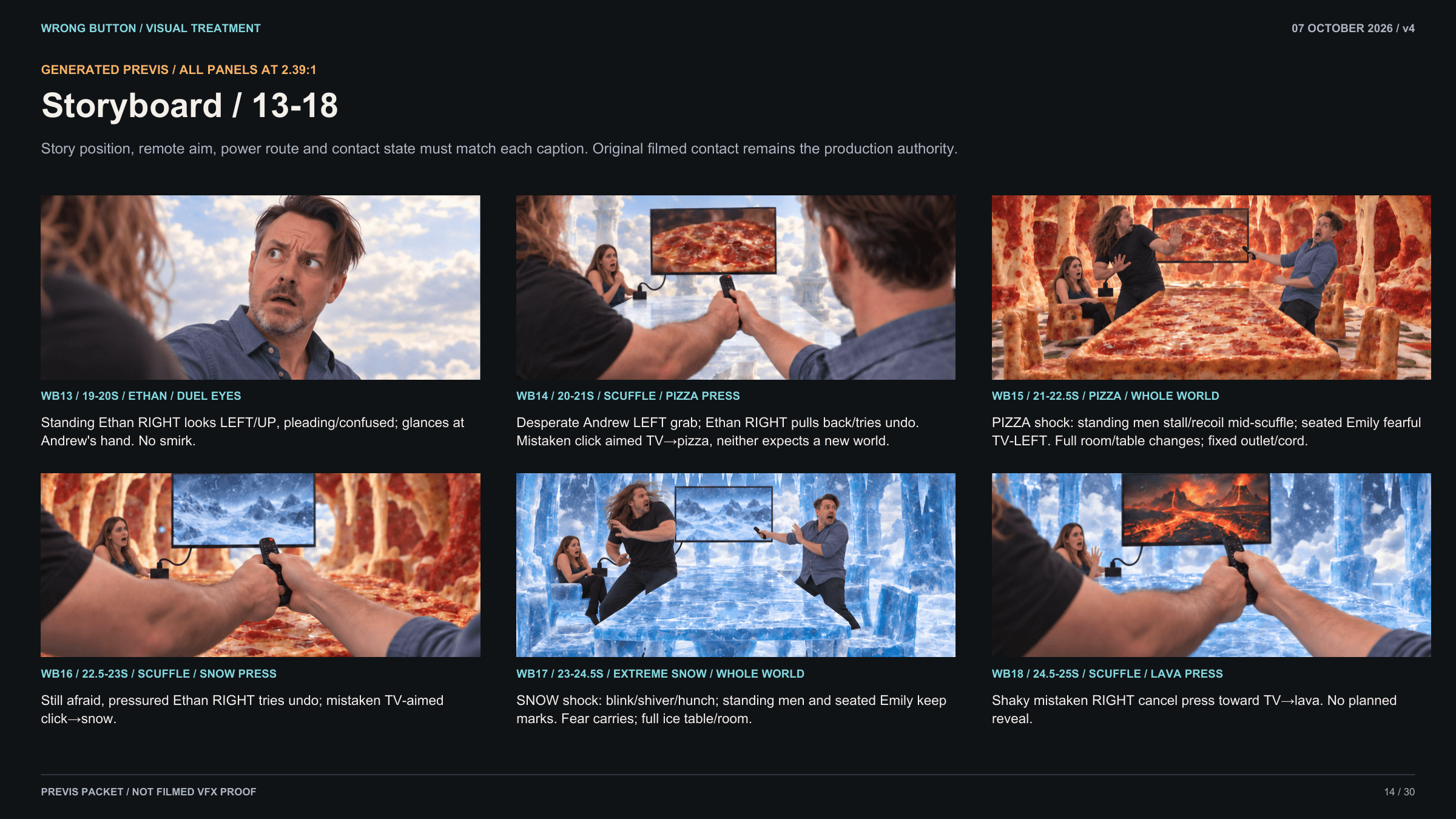
The shoot gave us the performances, including improvised moments that needed room in the edit. I wanted the effects to follow those choices. A transformation arriving just before a reaction can support a joke; arriving after it can leave the actor reacting to nothing. That timing belongs in the creative brief before we start discussing how impressive a new environment should look.
I used Codex to help assemble an initial rough cut from the script and footage, then shaped the sequence around the performances. That is a different kind of assistance from generating a new image or video. Software can help organize clips and build an editable first pass; I still need to decide which pause, reaction or transition makes the scene work.
Give the worlds something to agree on
I built shared references for the environments and key objects, including the television and remote. A pizza world needed more than a persuasive cheese texture. It needed to preserve the relationship between the table, chairs and television across camera angles. The table can change cuisine, but it still has to be where the actor’s hand expects it.
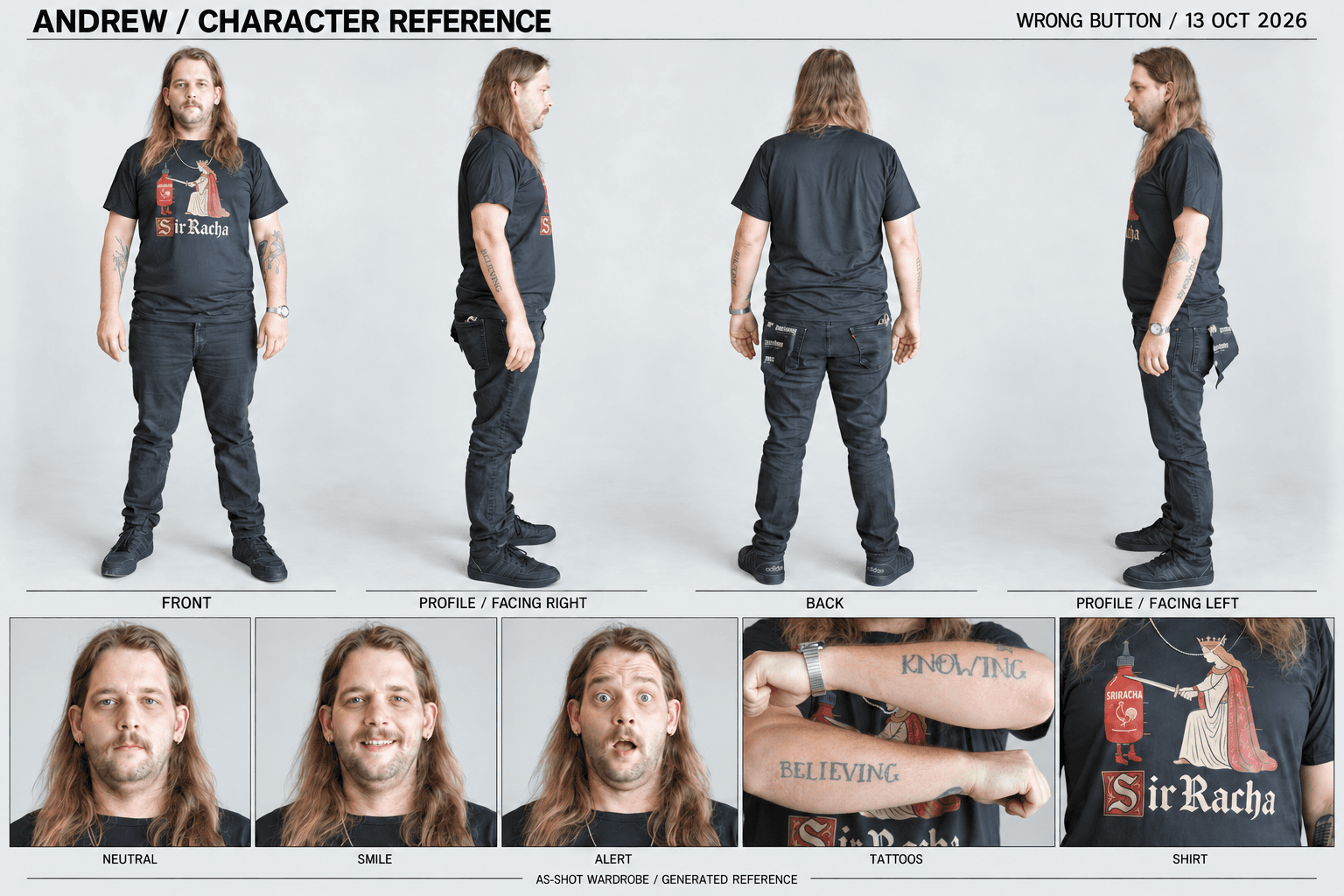
The generated character sheets came from shoot photographs. I used them as as-shot guides for appearance and wardrobe, alongside the world and prop references. They give another test a common starting point, while the photographs and filmed take remain the authority for what the person actually looked like and did.
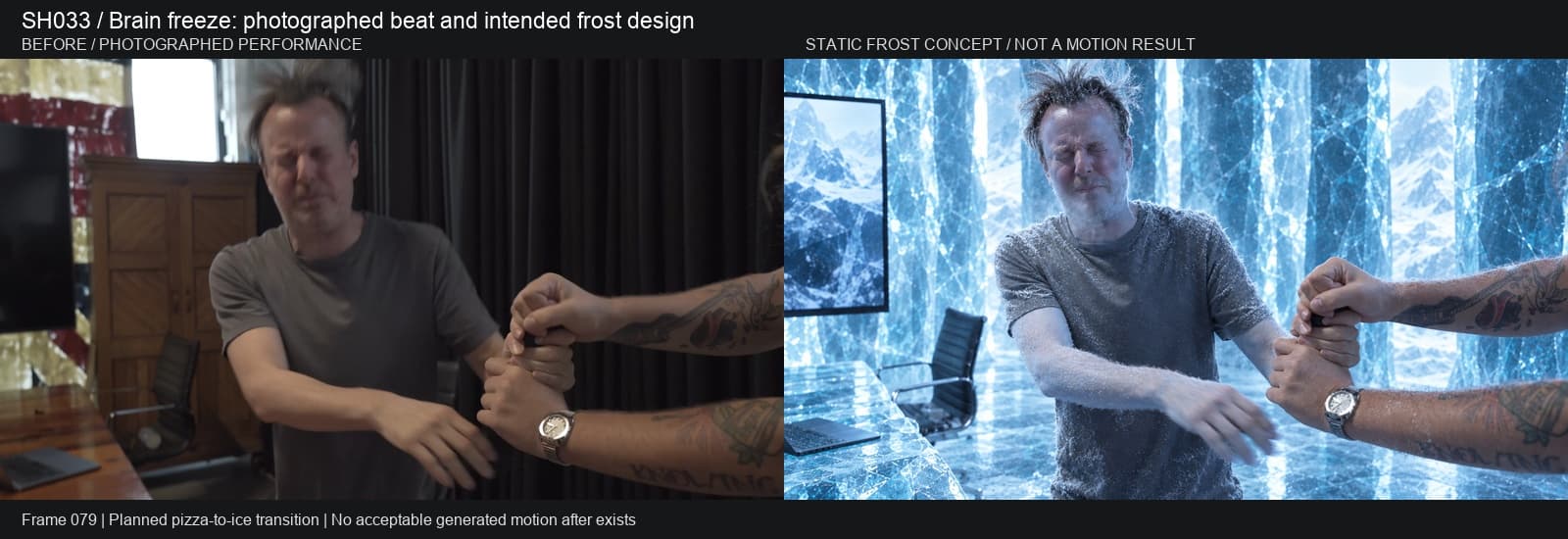
The brain-freeze beat makes the timing problem concrete. The plan is for the pizza room to turn to ice just before Ethan’s deeper bite, with frost building through the reaction already in the footage. I want the effect to support that performed action. We currently have the filmed beat and a static frost concept for comparison; the moving transition still needs work.
Compare the candidate with the cut
The ocean, pizza and circuit treatments show useful first-pass directions. I review them beside the photographed shot, looking at the environment and the action together. Some generated pictures were already conformed to the edit before these paired exports. Matching a cut’s duration gets material into review; it does not establish that every gesture still lands at the right frame.
My checks are fairly physical: where are the hands, which way is someone looking, does the mouth match the line, and is the remote still doing its job? Earlier ice and lava tests produced attractive material while changing mouth or hand movement. Those differences help identify the next task: another generation, a timing adjustment, or separate work on the performer and environment.
The comparisons keep those decisions visible. The review originals retain production sound, while the web loops here are muted. Before accepting a shot, I need to hear it against its neighbors in the edit. A convincing still or an isolated loop can hide a problem that becomes obvious when an actor speaks or the next cut arrives.
Keep the finishing decisions precise
Lighting is one place where the limits become visible. Some tests changed the room while leaving office light on the people. The finishing approach I want to develop combines useful generated material with the photographed performance, then addresses tracking, edges, contact shadows and color. Warm light from lava or cold spill from ice has to feel like it reaches the person standing there.
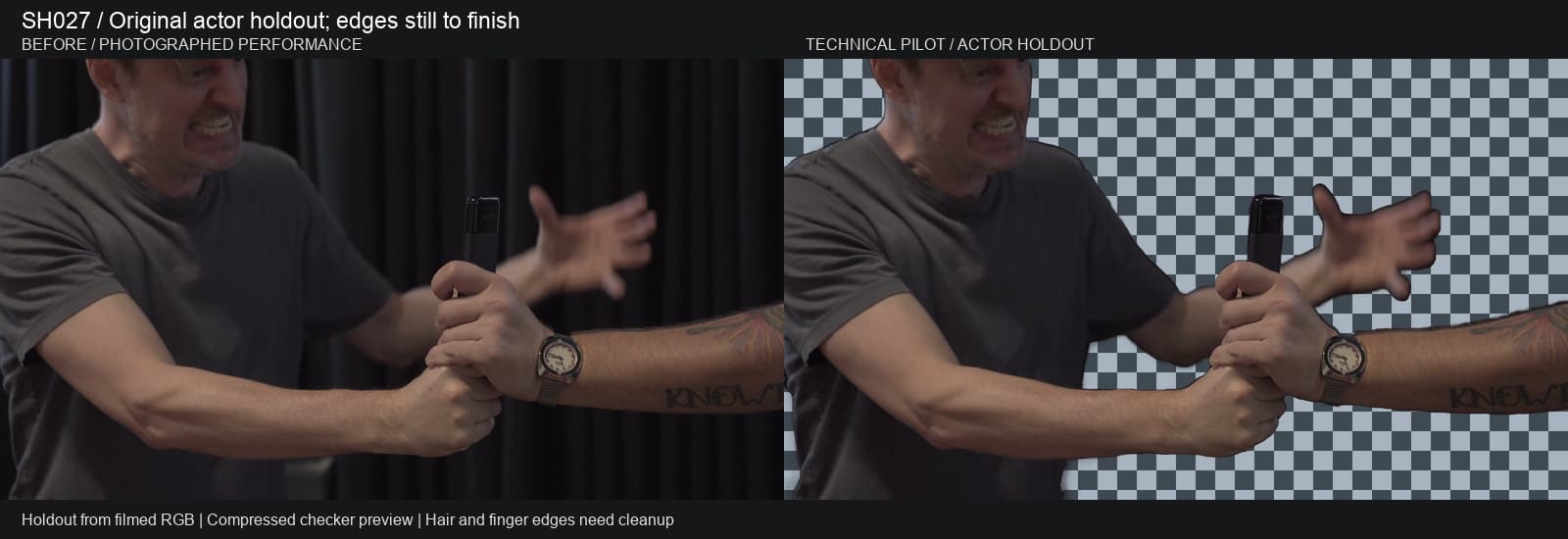
The actor-holdout pilot shown below keeps the original image and uses alpha to control what becomes transparent. Its starting masks are combined with targeted corrections, including protection for the remote and palm. It is a useful layer to inspect, with hair, finger and underarm edges still held for cleanup. That is a starting point for artist review and compositing, rather than a finished automatic extraction.
I also have relative-depth previews for a separate look at scene structure. They estimate nearer and farther regions over time; an actor mask answers a different question. Those depth passes do not establish lighting, identity or unseen parts of the room. I keep them separate from the generated comparisons here, which do not demonstrate a verified native depth-control input.
Build the tools around the shot
As the tests accumulated, I built a review app around the selected shot. Shots, Video and Edit share the selection, so I can carry one question through the views. First and last frames, performance video, images, prompts and versions sit close to the result. That lets me inspect the intended inputs before deciding what to ask for next.
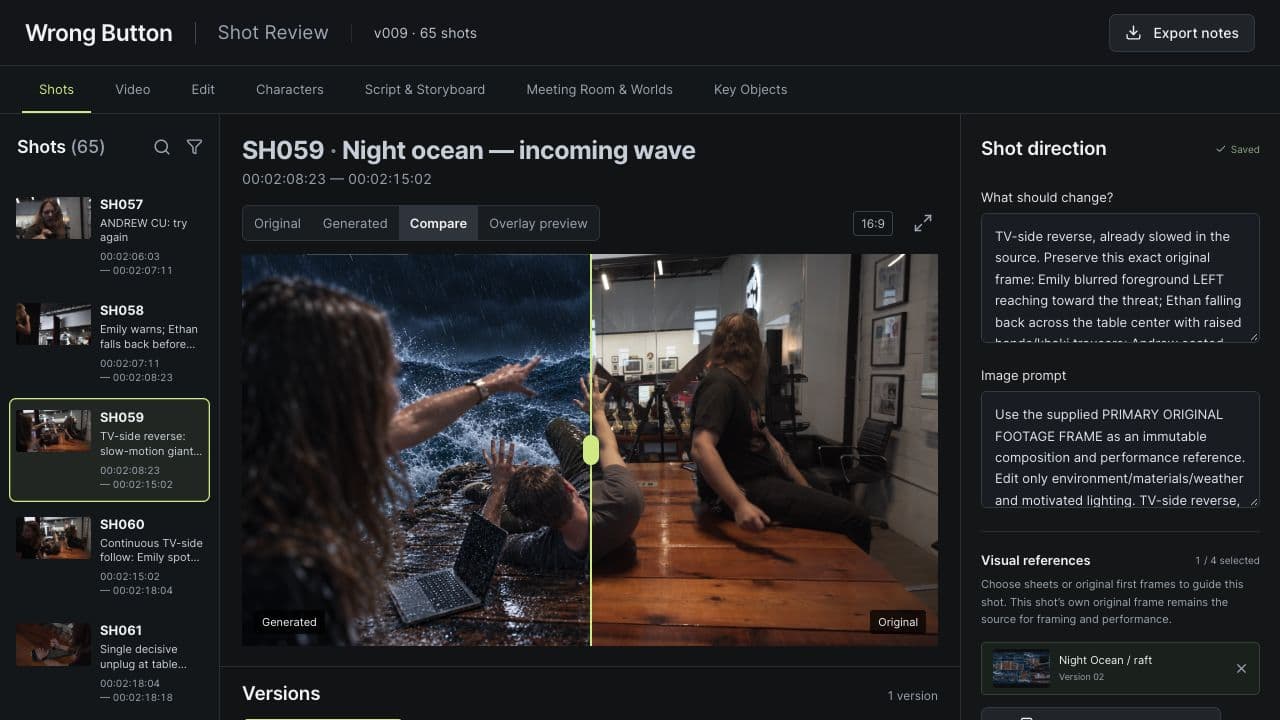
I also wanted a reversible Premiere handoff. Earlier review candidates were placed on a separate video track above a duplicate of the original edit, with the production audio preserved. The photographed shot stayed available underneath. Shot IDs, source ranges and versions matter here because a useful experiment still needs a clear route into the timeline and back out again.
Where the multiplier becomes useful
The benefit I’m after is more room for creative decisions. Shared references give each test a consistent starting point. The review app reduces the work of finding the right shot and version. Visible comparisons give artists and directors something concrete to discuss before committing to finishing a treatment. Those are practical ways to explore more directions from the footage we have and decide where the finishing work should go.
For the next shot, I would define the performed action that must survive, the part of the set I want to change and the references needed for each. Then I would compare the candidate with the source in the edit, including its sound and neighboring cuts. The next stage for Wrong Button is to carry the strongest ideas into controlled composites, refining the light, edges and prop interactions that make the strange world belong around the performance.